Photobooth
Choose the template you like, apply filters if you wish and share your photos instantly via QR code or WhatsApp. Want them on paper? Print them on the spot.
Omnibooth Studio · Windows PC
Photobooth, AI photobooth and 360 videobooth in a single software for Windows PC. No mandatory subscriptions, free hosting and an extra license as a gift.
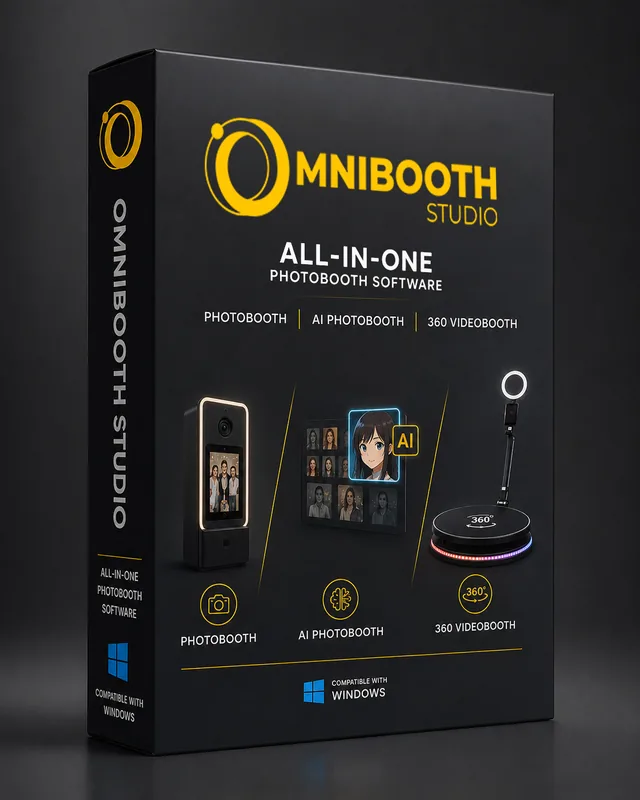
If you offer photobooth, AI photobooth and 360 videobooth services, you usually end up paying for a separate license for each one. With Omnibooth Studio you get everything in one application and one single license.
Choose the template you like, apply filters if you wish and share your photos instantly via QR code or WhatsApp. Want them on paper? Print them on the spot.
Choose from more than 30 different styles or create your own styles without limits. In seconds, every photo becomes a unique image your guests will want to share.
Create spectacular 360° slow-motion videos with GoPro cameras compatible with Omnibooth Studio. Add music and overlays and deliver them in under 30 seconds.
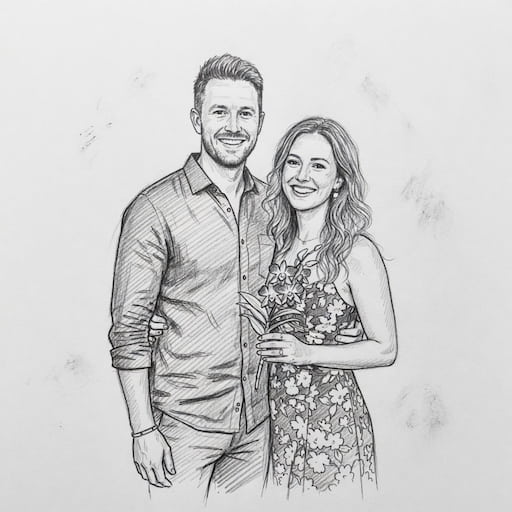
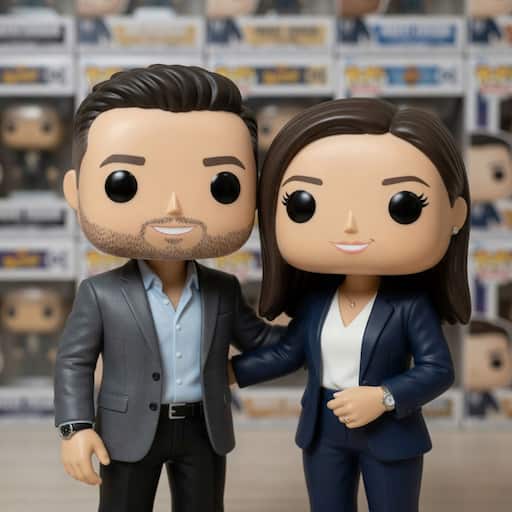
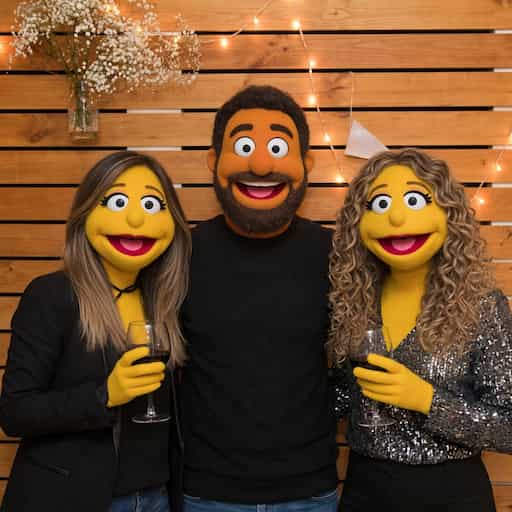
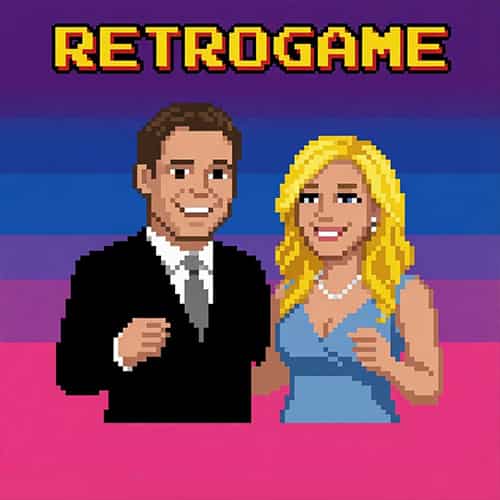
Your guests take a photo and, seconds later, see themselves turned into superheroes, cartoon characters, collectible figures or true works of art. The magic is instant and the “wow” effect is included at every event. Choose from our style gallery or write your own prompt to match the theme of each celebration.
To use AI you pay only for what you use, with no subscriptions. Buy a credit pack, spend what you need at each event, and remember that credits never expire.
Buy AI creditsNo mandatory subscription. You decide.
Free hosting. At least 35 GB per user included. Most software in the industry makes its money by charging you for the cloud every month.
Offline mode. With your own local network the event goes on even without coverage: capture, print and deliver by QR.
Two devices for the price of one. Annual and lifetime licenses include an extra license as a gift.
Compatible with your current gear. Canon, Nikon, Sony, Fujifilm, USB webcams and GoPro 6 Black or newer.
Works on Android too. Your PC license also activates Omnibooth 360 Studio on your phone.
Try the software for free for as long as you need and activate the license only when you need it.
Perfect for a single event
€12.95
/ week
All modes, no watermark.
Only when you need it
€29.95
/ month
All modes, no watermark.
A full year
€299
/ year
+1 free license: two devices at the same time for the price of one.
One-time payment · no fees
€399
forever
+1 free license: two devices at the same time for the price of one.
Prices exclude taxes. The period starts the day you activate the license in the software, not the day of purchase. The Windows PC license is also valid in Omnibooth 360 Studio for Android.
Right now, Omnibooth Studio is available for PCs running Windows 10 and Windows 11. The Mac version is in development and will arrive in 2027. If you work with Android, you have Omnibooth 360 Studio, our dedicated 360 photobooth app.
Yes. The demo version is free with no time limit: you can try the photobooth and the 360 videobooth, connect your camera and check how your PC performs. The only difference is that it adds a watermark to captures. The Artificial Intelligence modes are unlocked when you activate your license.
Yes. Your Omnibooth Studio license for Windows PC is also valid in Omnibooth 360 Studio for Android: one payment for both platforms. It doesn't work the other way around: the Omnibooth 360 Studio license is exclusive to Android.
The counter starts when you activate the license, not when you buy it. The period begins the day you enter the key in the software, so you can buy it in advance without losing a single day.
AI credits. They work on a pay-per-use basis: you buy a pack, spend it when you need it and it never expires. There is no monthly fee associated with AI. You can buy AI credits here.
Yes. Omnibooth Studio includes an offline mode: by creating your own local network you can capture, process, print and deliver by QR without coverage at the event venue. The Artificial Intelligence modes do require a connection.
With Canon, Nikon, Sony and Fujifilm DSLR and mirrorless cameras, with a very wide range of USB webcams and, for 360 mode, with GoPro cameras from the 6 Black onward. For printing, we recommend thermal dye-sublimation printers.
Download the free demo, connect your camera and check performance before spending a single euro. If something doesn't fit, write to us at support@omniboothstudio.com.